Search and keyboard shortcuts
Jump to a server, a tab, a file or a command from one search box, plus the shortcuts that work anywhere.

Search everything with Ctrl K
Press Ctrl + K (or /) and start typing. The one box looks through servers, tabs, files and console commands.
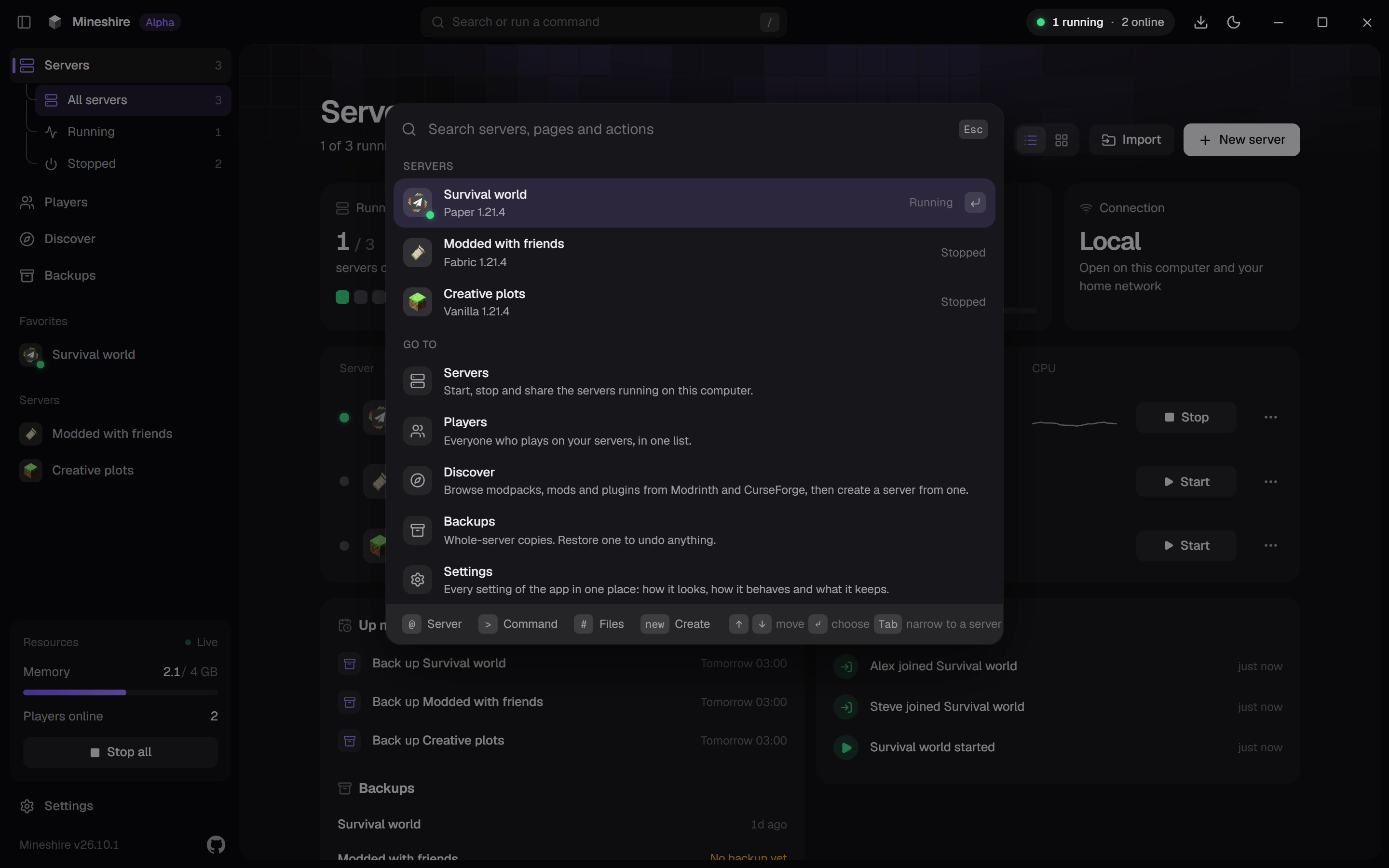
There's a shortcut for starting a server too. Type new paper and a version number, and the create page opens already filled in.
Shortcuts that work anywhere
| Keys | What they do |
|---|---|
| Ctrl + K or / | Open the search |
| Ctrl + F | Find on the Servers page |
| Ctrl + B | Show or hide the sidebar |
| Ctrl + , | Open Settings |
On a Mac, swap Ctrl for Cmd.
Inside a server
- In the Console, Tab finishes a command, and the up and down arrows walk through what you've already sent.
- In the Files tab, Ctrl + F highlights every match in the open file.
- Esc closes any window or dialog.
Still stuck?
The Discord is the quickest way to reach us.